
FAQ
Common questions about authentication, models, quota, costs, Experience Center, and API requests.
FAQ
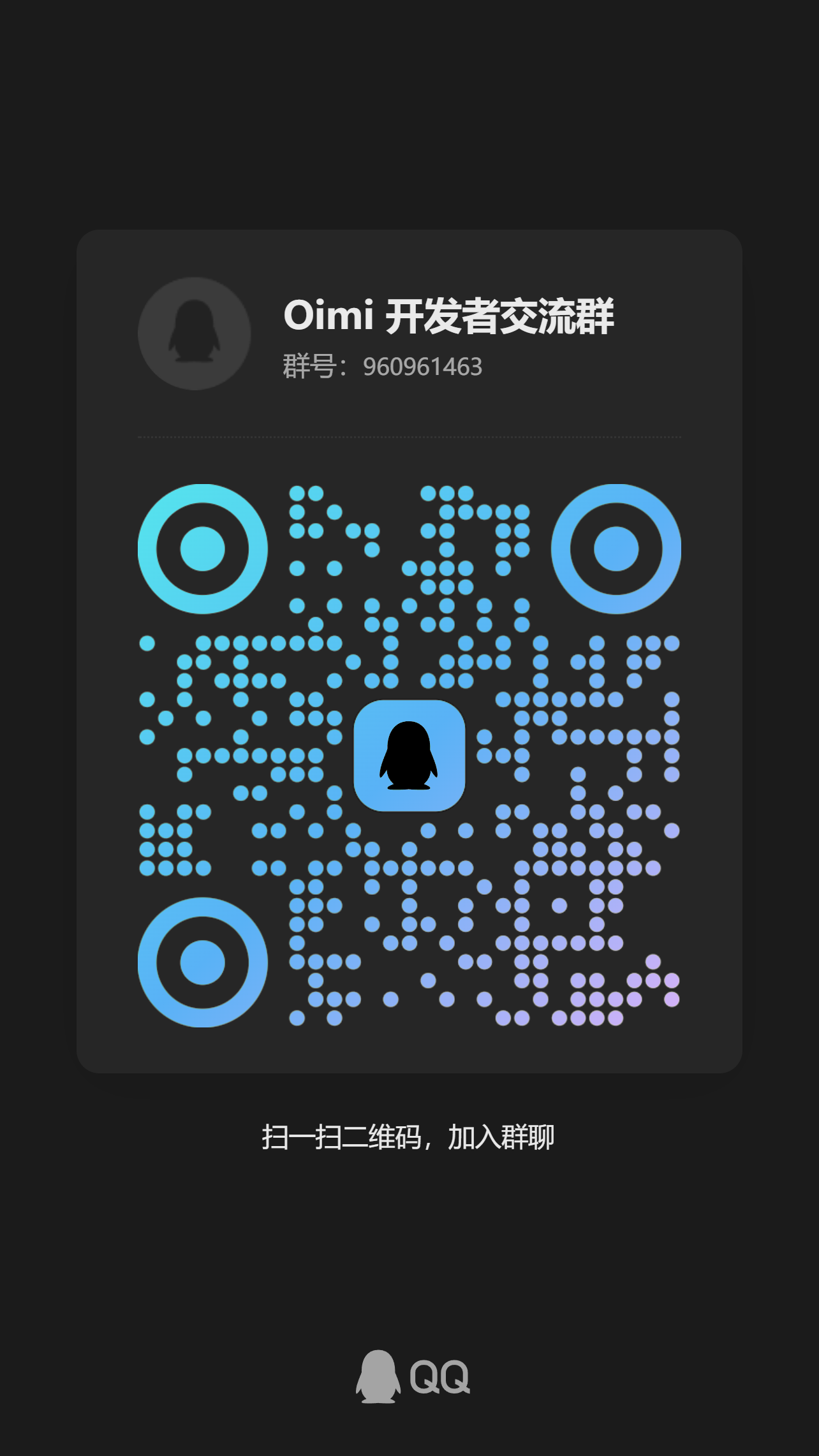
How Do I Join the Support Group?
Scan the QR code to join the support group. After joining, include your account, issue description, and request time so support can locate the problem quickly.
Can I View the Full API Key Again After Creation?
No. The full API key is shown only once after creation. After you close the dialog, the console only shows a masked key. Copy it immediately and store it in a server-side environment variable.
If the key is lost, disable or delete the old key and create a new one.
Which Base URL Should I Use?
Use the Base URL shown in the API access section on the console overview page. OpenAI SDK integrations usually use the /v1 URL:
https://api.oimi.xin/v1Why Does the API Return Invalid API Key?
Check the following:
- Whether the header is
Authorization: Bearer $API_KEY - Whether the key was copied completely
- Whether the key has been disabled or deleted
- Whether the request is using the correct service URL
- Whether Claude or Gemini requests use the corresponding header
Why Does It Say Quota Is Insufficient?
Check both account balance and API key quota.
Account balance is shown in Costs. API key quota can be viewed and adjusted in API Keys. If a key has its own quota limit, requests can be rejected when that quota is used up even if the account still has balance.
Why Can't I See a Model?
Use the Models page as the source of truth for models visible to your account. Model visibility may depend on account permissions, model variant, and current service configuration.
If your request uses a model ID that is not shown in the console, replace it with an actual model ID from Models.
What Is a Model Variant?
Model variant is a console option used to distinguish model access paths. You can see a model's variant in Models, and you can switch available variants for an API key in API Keys.
The callable model range depends on the current API key and the Models page.
Why Does Experience Center Ask Me to Select an API Key?
Experience Center sends real requests with the API key you select. This verifies whether the key is valid, whether the model is callable, and whether quota is sufficient. The request usage is recorded in Usage.
Is Streaming Supported?
Yes. For OpenAI-compatible Chat Completions, pass:
{ "stream": true }Gemini also provides streamGenerateContent. Actual availability depends on the selected model and current service configuration.
Is the OpenAI SDK Supported?
Yes. Use the OpenAI-compatible endpoints, set the SDK baseURL to the platform /v1 URL, and use your Oimi API key. Use model IDs shown in Models.
Are Claude and Gemini Native Protocols Supported?
Yes. Claude uses /v1/messages; Gemini uses /v1beta/models/{model}:generateContent. Their authentication headers are x-api-key and x-goog-api-key.
Gemini can also use ?key=$API_KEY as a query parameter. Actual callable models are based on the Models page.
How Do I View Request Cost and Logs?
Open Usage to filter records by time, model, API key, group, request ID, or upstream request ID. Expand a record to view billing details, model, key, latency, and related request information.
Why Does It Say the Model Is Unavailable?
Common causes include an incorrect model ID, a model not visible to your account, a model variant mismatch on the API key, or a temporary upstream service issue.
Copy the model ID from Models, then test with the same API key in Experience Center. If it also fails there, check the corresponding record in Usage.